Last updated: July 2026
How to Play My Squishy Box Store
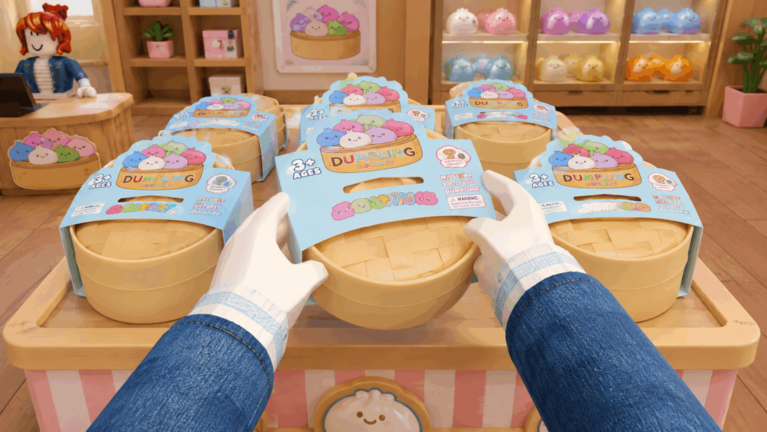
My Squishy Box Store transforms the blind-box collecting hobby into a full Roblox shop simulator. You are not just opening mystery packages for yourself — you are building a retail business where every Dumpling Squishy you unbox becomes inventory that customers buy for Cash. That Cash funds bigger boxes, larger shelves, staff hires, and store expansions until your shop dominates the map.
This guide walks through the complete gameplay loop from first login to sustainable mid-game income. If you want free starting Cash, redeem codes from our active codes page after finishing the tutorial section below.
The Core Gameplay Loop
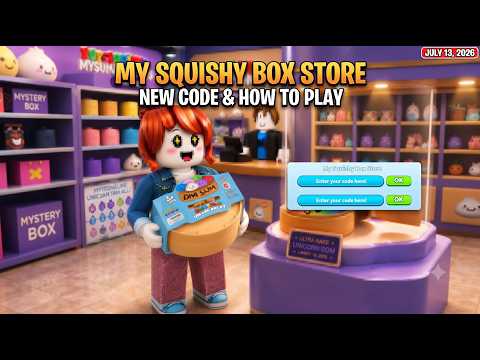
Every session follows the same profitable cycle: order or unbox mystery boxes, reveal Dumpling Squishies inside, place them on display shelves, wait for customers to purchase them, collect Cash, and reinvest. Higher-rarity squishies sell for more per transaction, but they also come from more expensive box tiers with lower pull rates.
Early sessions feel manual because you restock shelves yourself and walk to each customer. That changes at level 6 when staff automation unlocks — covered in detail in our staff hiring guide. Until then, efficiency comes from smart shelf placement and not over-investing in decorations.
Tutorial Walkthrough
The opening tutorial teaches four essentials: how to open your first mystery box, how to place a squishy on a shelf, how to complete a customer sale, and how to access basic shop menus. Do not skip dialogue prompts — the code redemption menu stays locked until every tutorial flag clears.
After the tutorial, immediately redeem all active codes using the Cod button or J key. The combined 2,000 Cash from Update3, Dumpling, and WELCOME accelerates your first real upgrades significantly.
Ordering Dumplings and Managing Inventory
Your order station — accessible via computer or POS terminal — lets you request specific mystery box quantities. Early on you can order small batches of four boxes at a time. Higher-level players unlock larger bulk orders that reduce the time spent restocking between customer waves.
Keep shelves filled at all times. Empty shelves mean lost sales and slower leveling. When a shelf slot empties, replace it with your highest-rarity available squishy rather than whatever is cheapest in storage. Our rarity guide explains which tiers earn the most per customer.
Expanding Your Shop
Store expansion unlocks additional shelf slots, bigger rack sizes, and new floor areas. Bigger shelves hold more inventory per restock trip, which matters enormously before staff automation. The Bigger rack upgrade is one of the first purchases experienced players recommend after initial code redemption.
Balance expansion with box quality. A larger store full of Common squishies earns less than a smaller store stocked with Rare and Epic pulls. Read our store upgrades overview for a prioritized spending checklist.