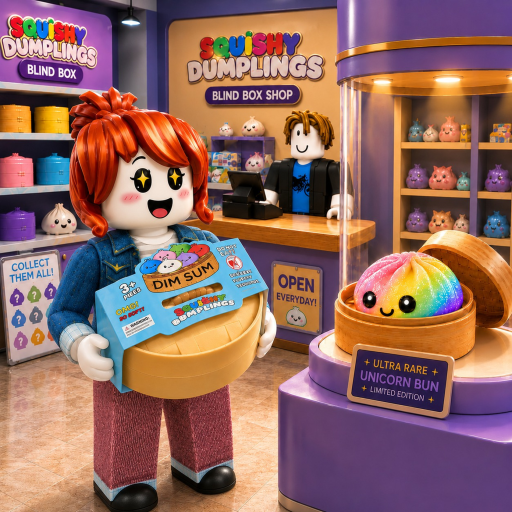
Last updated: July 2026
Shop Map & Layout Guide
Your My Squishy Box Store shop is a single persistent floor plan that expands as you purchase upgrades. Knowing where order terminals, register stations, and customer pathing intersect helps you place high-value squishies where they sell fastest.
Core Shop Zones
Register Zone: customer checkout and cashier staff assignment. Order Terminal: computer and POS for bulk mystery box orders. Display Floor: shelf racks arranged in customer pathing loops. Storage: inventory access for manual restocking pre-staff.
Expansion Layout Tips
Expand toward customer entrance first so new racks catch traffic immediately. Avoid clustering all premium squishies in rear corners where pathing rarely reaches. Staff patrol routes follow shelf proximity — hire restockers near your densest rack clusters.
Coordinate layout decisions with store upgrade priorities.